


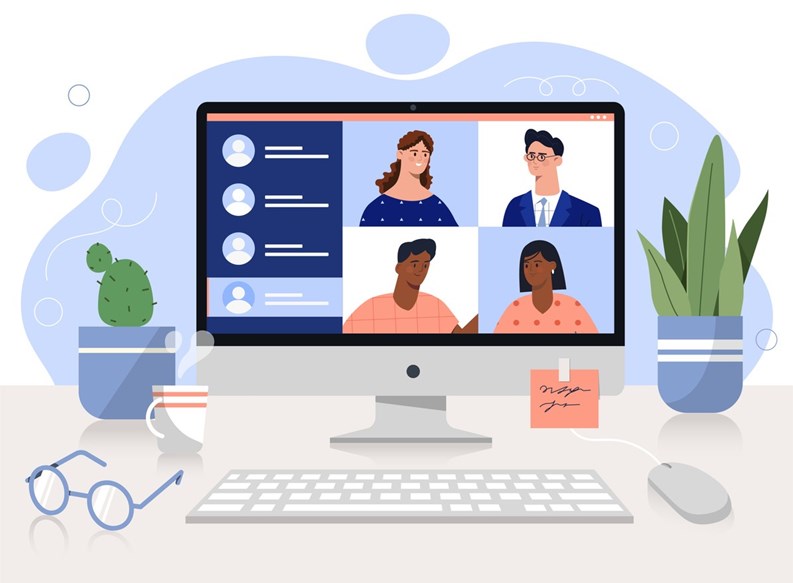
Hybrid meetings have been shown to increase resident participation in the governance of their building or association. That’s a good thing—but mixed in-person/virtual meetings require some preparation and intentional planning beforehand to ensure accessibility and to avoid technical issues during the meeting itself. Below are a few steps you can take to ensure that your next hybrid meeting runs smoothly and is accessible to all residents, regardless of tech savviness.
Standardize Access: Snail-mail physical notices and send clear, single-click digital invites via email at least 30 days in advance. Provide a dedicated dial-in phone number, and print it prominently on paper notices so tech-averse residents or those without computers can participate.
Assign a Host & Separate Formal Q&A: Assign a specific board or committee member as the meeting’s designated ‘Virtual Host,’ whose job it is to monitor the online meeting ‘room’ and alternate questions evenly between the physical room and the virtual queue so everyone is included. Rather than a public chatbox (which can quickly become chaotic), instruct online attendees to use a dedicated Q&A tool or raised-hand function, depending on the meeting platform.
Have Backup AV Hardware: Never rely on a single laptop, microphone or camera. Use an omnidirectional USB boundary microphone (or a dedicated conference pod) in the center of the room, and position the camera to capture both the board and the presentation screen, if there is one. Test the setup 45 minutes prior so there’s time to fix any issues.
Streamline Digital & Paper Balloting: If your meeting includes an election or other resident vote, partner with an established third-party electronic voting platform designed for real-time proxies and live hybrid voting. For residents who prefer paper, mandate early proxy submissions, or provide pre-printed ballots at check-in to avoid double-counting.
Provide Live Tech Support: List a direct phone number on the meeting notice for a designated tech assistant who can troubleshoot login or audio issues individually during at least the first 20 minutes. This helps keep the main presentation from being interrupted.





Leave a Comment